Published on July 28, 2026 | Written by Mr. Shifa ur rehman jamali
Platform Comparison
Choosing between Databricks and an AWS-native data stack (Glue, EMR, Athena, Redshift, S3) comes down to build versus buy: AWS gives you powerful individual primitives you assemble yourself, while Databricks gives you a unified, pre-optimized platform with built-in governance. AWS-native tools can absolutely deliver the same end result, but the real cost most teams underestimate is the engineering time required to hold eight separate services together in production. This guide compares both paths on architecture, performance, governance, and total cost of ownership.

An AWS-native Lakehouse is built by combining Glue for ETL orchestration, EMR or Athena for query execution, Redshift for warehousing, and S3 for storage — each a capable tool on its own, but each requiring separate configuration, monitoring, and CI/CD integration. Databricks replaces this with a single platform that handles ingestion, transformation, governance, and serving through one control plane.
This isn't a judgment on AWS's individual services — Glue and Redshift are mature, well-documented tools. The distinction is operational: a team choosing AWS-native is signing up to build and maintain the integration layer between all of them, while a team choosing Databricks gets that integration layer pre-built.
| Capability | AWS Native | Databricks |
|---|---|---|
| Distributed compute | EMR (self-managed Spark clusters) | Managed Spark with Photon Engine acceleration |
| SQL warehousing | Redshift (proprietary format) | Databricks SQL, queries Delta Lake directly — no separate data movement |
| ETL orchestration | AWS Glue (largely manual scripting) | Delta Live Tables / Lakeflow (declarative, automatic lineage and state handling) |
| Governance | AWS Lake Formation (data-only) | Unity Catalog (governs data and AI assets in one place) |
| Streaming ingestion | Kinesis + custom Spark jobs | Structured Streaming, native Kinesis and Kafka support |
| Vendor lock-in risk | Redshift's proprietary storage format | Delta Lake/Iceberg open formats via Delta UniForm |
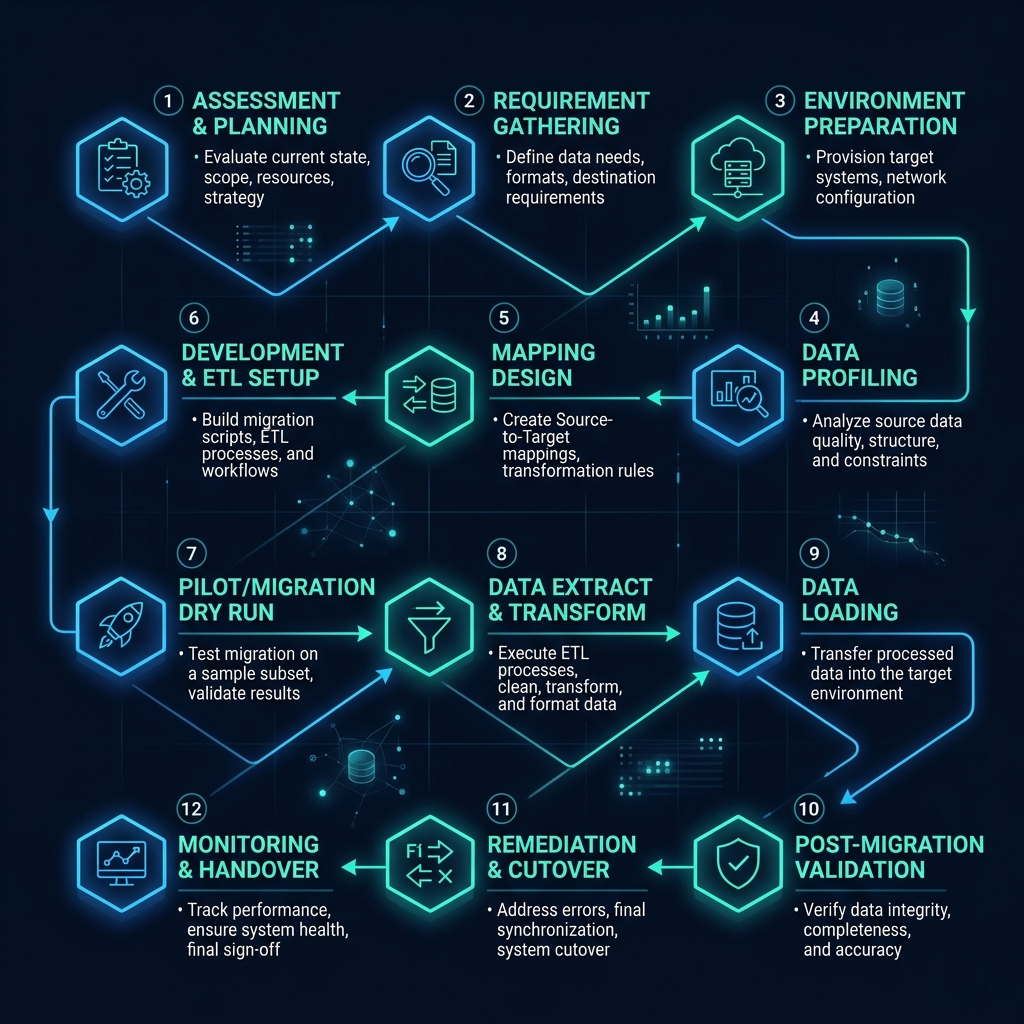
Databricks' Photon Engine is a vectorized query engine purpose-built for fast SQL and DataFrame execution, generally outperforming open-source Spark running unmanaged on EMR for the same workload. Combined with Predictive I/O — which uses machine learning to skip irrelevant files during reads — Databricks reduces the manual tuning burden that EMR and Athena workloads typically require to hit comparable performance.
Databricks also automatically selects optimal AWS instance types through Fleet instance selection and heavily leverages Spot Instances for fault-tolerant jobs, which can cut compute costs by as much as 80% on interruptible workloads — a cost lever available on EMR too, but one that requires manual configuration rather than coming built in.
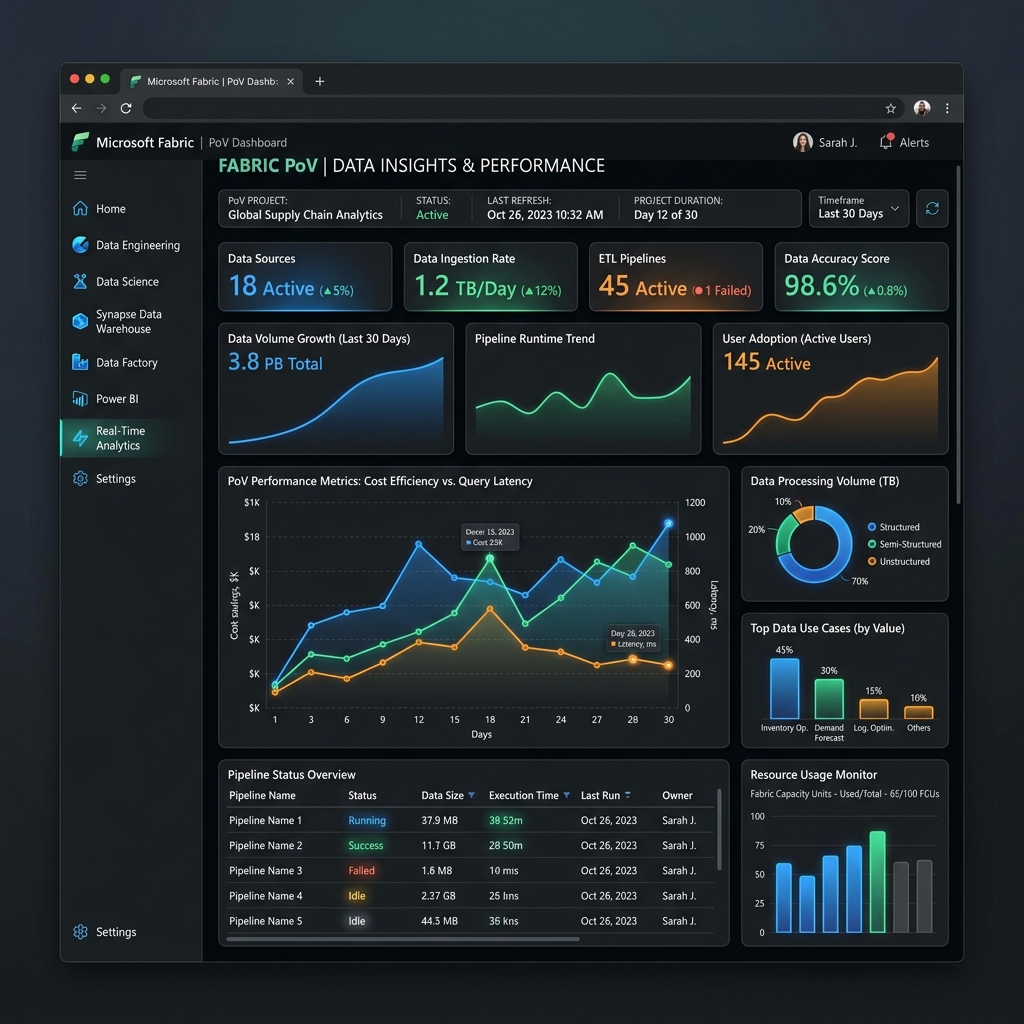
The clearest architectural distinction between the two stacks is governance scope. AWS Lake Formation governs data access; Unity Catalog governs data and AI assets — models, features, and vector indexes — under the same access control, lineage, and audit framework. As AI workloads become a standard part of enterprise data platforms, this single distinction increasingly decides which stack requires less custom governance tooling to reach audit-readiness.
The comparison that matters most isn't feature-for-feature — it's total cost of ownership including the engineering salaries required to keep an AWS-native stack running. Community sentiment from data engineers who've built both reflects this directly: Databricks adds licensing cost, but requires significantly less ongoing work than configuring and maintaining Glue, S3, EMR, CI/CD, CloudWatch, and Iceberg separately, and most engineers would lean toward Databricks if budget allows it.
A useful rule of thumb circulating among practitioners: take your current AWS-native infrastructure cost and roughly double it to estimate the cost of standing up Databricks equivalently — but take your time-to-value on the AWS-native path and expect to quarter it when moving to Databricks. The trade is money for speed, and for most enterprise teams under delivery pressure, that trade favors Databricks.
Databricks avoids the vendor lock-in typically associated with proprietary warehouse formats because your data is stored in open formats — Delta Lake or Iceberg via Delta UniForm — directly in your own S3 bucket, not inside a proprietary Redshift storage layer. If you ever migrate off Databricks, your underlying data remains readable; what you'd need to rebuild is the pipeline and orchestration logic, not the data itself.
For UK organizations specifically — particularly public sector and Tier-1 banks operating under multi-cloud procurement mandates — this open-format approach provides a documented exit strategy that satisfies vendor lock-in concerns in a way that fully proprietary formats do not.
Often yes on a total-cost basis, due to the Photon Engine, Predictive I/O, and automated cluster management reducing both DBU and EC2 spend compared to a self-managed EMR cluster running the same workload.
No. S3 remains the foundational storage layer — Databricks runs its compute and governance layer directly on top of your existing S3 buckets rather than replacing them.
Delta Live Tables is declarative and handles lineage, state management, and data quality checks automatically, whereas Glue typically requires manual scripting to achieve the same outcomes.
Yes. Databricks integrates deeply with AWS S3, IAM, and EC2 — classic compute in Databricks spins up EC2 instances directly inside your own VPC.
Your data remains readable in your S3 bucket via open Delta Lake or Iceberg formats through Delta UniForm — you would need to rebuild pipeline and orchestration logic, but not migrate the underlying data itself.
Unity Catalog governs both data and AI assets — models, features, and vector search — in a single system, while Lake Formation governs data access only, which typically means AWS-native teams need a separate tool to govern AI assets.
If your priority is minimizing engineering headcount spent on platform maintenance, Databricks is generally the stronger choice. If you have a mature AWS platform team who already maintains Glue, EMR, and Lake Formation well, an AWS-native stack remains a legitimate option — the decision is really about where you want your engineering effort to go. Cyfradane's independent Databricks consulting team can run a TCO assessment comparing your current AWS-native spend against a Databricks equivalent, or help plan a migration from a legacy data warehouse if you've already decided to move. If you're also weighing Snowflake against Databricks, see our architectural comparison here.
Download: Databricks vs AWS Native — The 2026 TCO & ROI Calculator (PDF)