Published on July 28, 2026 | Written by Mr. Shifa ur rehman jamali
Technical Playbook
Implementing Databricks properly means treating it as a software engineering discipline, not a notebook environment — using Infrastructure as Code, Databricks Asset Bundles (DABs), and CI/CD from day one. A full enterprise rollout follows ten phases, from account and workspace setup through disaster recovery, and skipping the early governance and IaC steps is the single most common reason implementations stall in production. This guide walks through each phase in order, with the specific tools and patterns that separate a maintainable implementation from "notebook hacking."

Enterprise Databricks implementations follow a consistent sequence: Account setup, Workspace configuration, Unity Catalog, Network design, Storage configuration, Delta Lake setup, Infrastructure as Code, Compute strategy, Observability, and High Availability/Disaster Recovery. Skipping ahead — building pipelines before Unity Catalog and network foundations are in place — is what creates the technical debt that later requires a costly re-architecture.
The reason this order matters: Unity Catalog and network design are structural decisions. Changing your metastore strategy or catalog boundaries after dozens of pipelines are already writing to tables is significantly more disruptive than deciding it upfront.
Before any pipeline gets built, the platform team needs to establish landing zones, network isolation, and identity architecture. For UK enterprises specifically, this typically means a Hub-and-Spoke Unity Catalog design that keeps data sovereignty boundaries explicit rather than assumed.
Typical foundation setup includes:
Unity Catalog should be enabled and structured before pipeline development begins, not retrofitted afterward. The standard pattern separates environments using distinct catalogs — for example, dev_catalog and prod_catalog — rather than relying on schema-level separation within a single catalog.
A practical catalog structure looks like this:
| Layer | Example | Purpose |
|---|---|---|
| Metastore | One per region | Aligns with data residency boundaries |
| Catalog | dev_catalog, prod_catalog |
Separates environments cleanly |
| Schema | By subject area (sales, finance) |
Groups related tables logically |
| Table/View | Governed, tagged assets | The actual data, with lineage and masking applied |
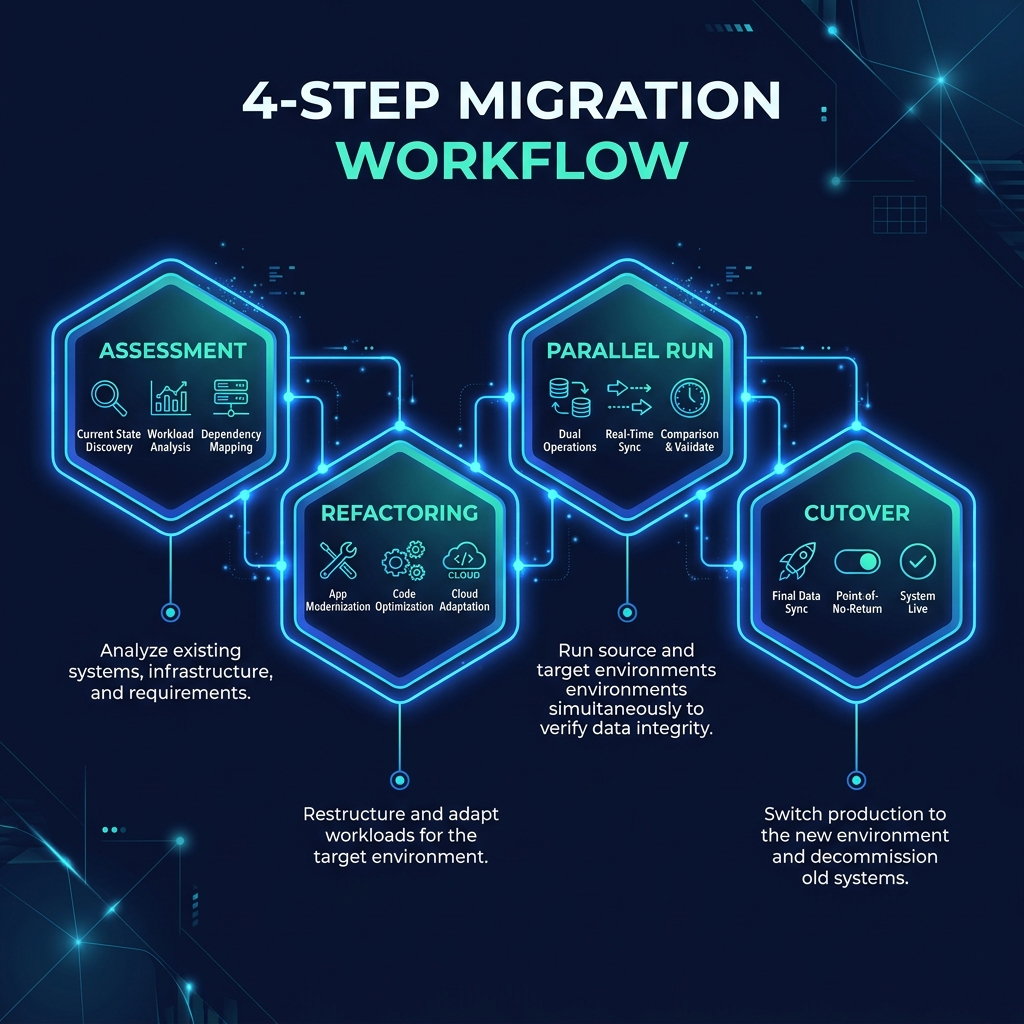
Databricks Asset Bundles (DABs) are the standard mechanism for deploying pipelines, jobs, and infrastructure as code rather than clicking through the UI. The recommended pattern is "build once, deploy everywhere" — compiling Python code into a single wheel file and promoting the identical artifact across Dev, Staging, and Prod using environment variables injected through databricks.yml.
Recommended CI/CD setup:
uv and pyproject.toml for deterministic builds — this avoids the classic "works on my machine" failure mode.One senior data engineer's assessment of the alternative captures why this matters: development that stays in the notebook UI without CI/CD means releases get delayed and production incidents keep happening, because there's no repeatable, tested deployment path.
A common anti-pattern to avoid here is what's known as "String Soup" — pasting large SQL blocks directly into Python strings rather than keeping SQL logic in clean, version-controlled .sql files. It destroys readability and makes testing nearly impossible.
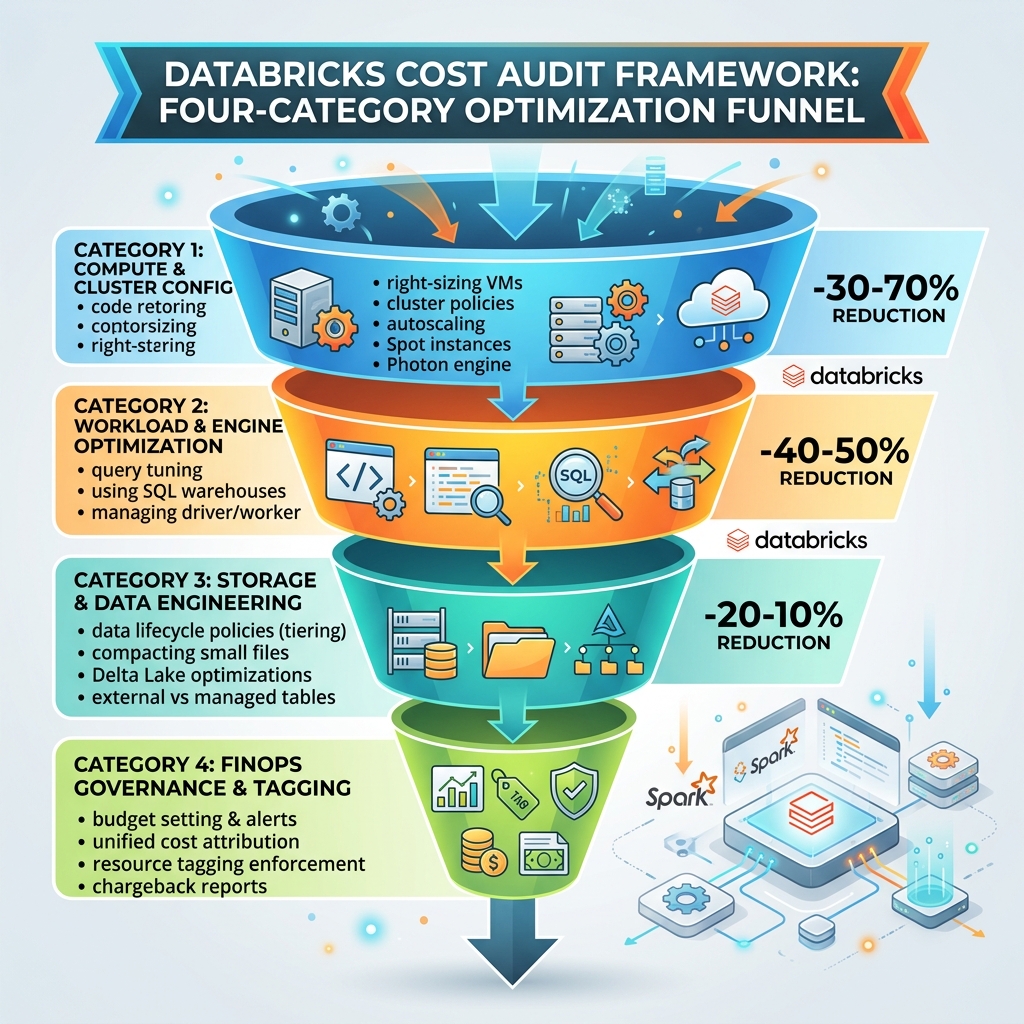
Cost attribution should be configured as part of implementation, not added later as an afterthought when a bill spikes unexpectedly. Databricks exposes granular billing data through system tables — specifically system.billing.usage — which can be tagged by workspace, cluster, and pipeline to attribute spend to specific teams or projects.
This matters operationally because Job Compute costs roughly $0.15/DBU compared to Interactive compute at roughly $0.40/DBU — a strong incentive to route as much production workload as possible through automated, scheduled jobs rather than always-on interactive clusters.
DABs are the standard tool for deploying Databricks pipelines, jobs, and infrastructure as code, replacing manual UI-based configuration with version-controlled, repeatable deployments.
Serverless is generally recommended for pipelines, since it removes cluster capacity planning and reduces operational overhead — manual clusters are typically reserved for specific workloads with unusual resource requirements.
Yes. Unity Catalog is the governance standard and is enabled by default for new Databricks accounts — implementing pipelines before Unity Catalog is configured is the most common cause of expensive rework later.
Timelines vary with legacy debt and data volume — a foundational architecture and initial pipeline deployment typically takes 4-8 weeks, while large-scale legacy migrations can take several months.
Through system tables, specifically system.billing.usage, which capture workspace, cluster, and pipeline-level tags that map spend back to specific teams or projects.
Trunk-based development, paired with Databricks Asset Bundles for deployment and a service principal (not personal credentials) driving the CI/CD pipeline itself.
The gap between a Databricks implementation that scales cleanly and one that requires a costly re-architecture almost always comes down to whether Unity Catalog, IaC, and CI/CD were designed in from phase one. If you're planning a rollout or inheriting an existing environment built without these foundations, Cyfradane's Databricks consulting team can run an implementation readiness assessment before you write your first production pipeline. For teams already live and managing spend, our Databricks cost audit framework covers the FinOps side of this same system-tables setup in more depth.
Download: The Databricks Enterprise Implementation Roadmap (PDF) — covering all 10 phases from Account Setup through Disaster Recovery. (Lead magnet — gate behind an email capture form on the live page.)